This is a system of record — it holds your stock, your purchase orders, and your application history. Below is exactly how it keeps that separate, attributable, and in the right hands. Mechanisms, not badges.
Multi-location operators run each branch as its own workspace, with its own stock, equipment, and people — and the people who work across branches move between them without stopping.
Each branch is its own workspace, with its own inventory, equipment, and users. A user with access to more than one switches locations in a single click — no signing out, no second account, no second password.
Administrators manage setup, purchasing, and people. Technicians use the field portal to check stock in and out. Sensitive pages are admin-only, so a tech account cannot reach the parts of the system it has no business in.
Four concrete mechanisms, all of them shipped and all of them visible in the product.
Each company’s data is fully separated from every other company on the platform. Your products, POs, and application records are yours alone.
Records are addressed with secure tokens, so a record cannot be pulled up by guessing or editing an ID in the address bar.
Key actions — stock changes, purchase orders, receiving, logins, and emails — are recorded with who did it and when.
Inactive sessions sign themselves out, so a tablet left on a bench does not stay signed in all afternoon.
The strongest password policy in the world does nothing if half your crew keeps their password on a sticky note. So the platform gives each kind of user a way in that fits how they use it.
Optional passwordless login: the platform sends a one-time link by email or SMS text, and the link is the sign-in.
Prefer the traditional route? Passwords still work, with a “remember me” option for the office machine.
Technicians never get a full account at all. They use the field portal with an employee ID and a PIN.
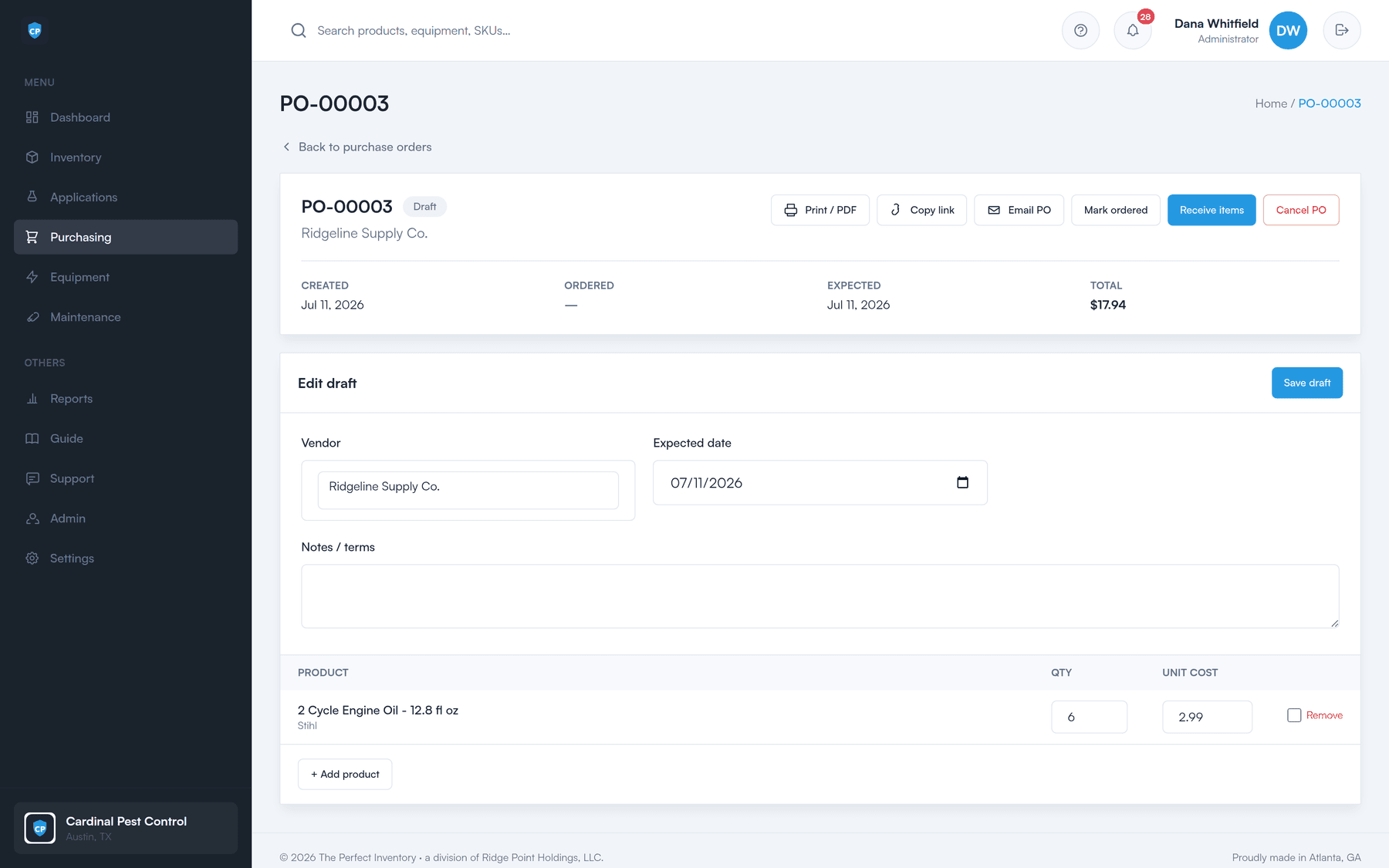
The purchase order you email is a document with your company’s name on it. The platform is set up so it stays that way, right down to the address it is sent from.
Bring your own email sender
Send POs and notifications through the platform’s shared service, or plug in your own Amazon SES or SendGrid account so mail comes from your domain. A one-click test confirms it is working before you rely on it.
Upload your logo
A built-in optimize-and-resize tool takes whatever file you have. Your logo then appears on the app, on the login page, and on every purchase order.
Your own PO numbering
Set a starting number and POs run sequentially from there, so they fit the books you already keep.
Tiered plans cap how much equipment, how many products, and how many employees a workspace holds. The limits are enforced automatically, so you always know where you stand.
Every module has step-by-step help, reachable from a “?” anywhere in the app and searchable. New office staff get onboarded without waiting on anyone.
How to read this page
Every item above is a mechanism you can point at in the product — no badges, no acronyms, nothing we cannot show you on a call. If your team needs detail beyond what is here before you commit, ask us directly and we will answer it specifically.
A 30-minute walkthrough of the dashboard, the reorder worklist, a purchase order, and the field portal — using your products, not a canned demo.