Features

One system for the shelf, the truck, and the auditor

Everything below is live today. Each module stands on its own, but they're worth more together — logging an application deducts stock, low stock feeds the reorder worklist, and the worklist becomes a purchase order.
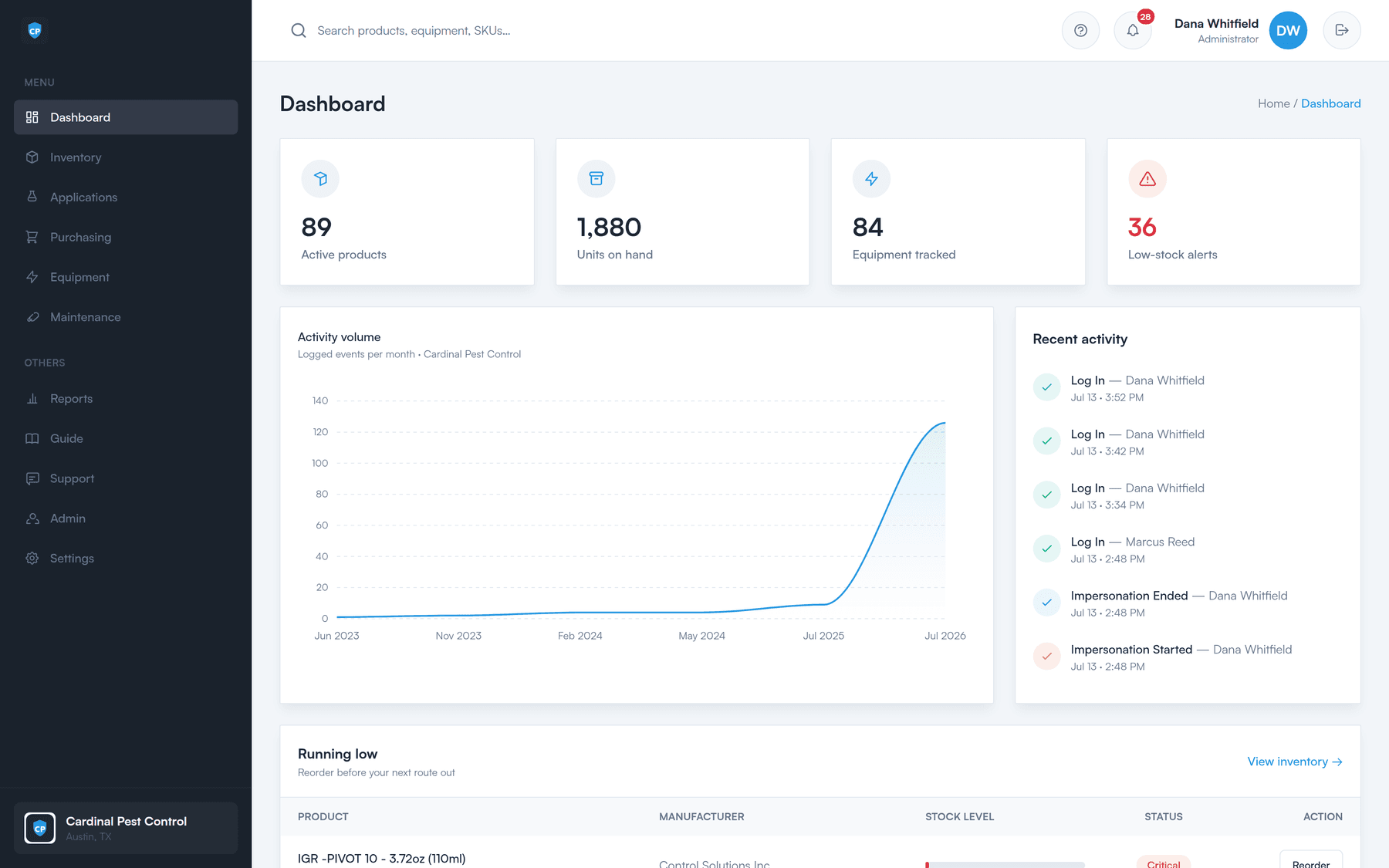
The Perfect Inventory dashboard showing active products, units on hand, equipment tracked, low-stock alerts, and a running-low reorder list.
Inventory

Inventory & stock control

Always know what you actually have, per location — and who took it.

  • Live on-hand counts for every product
  • Stock in and stock out, with full history
  • Check product out to a named technician
  • Low-stock warnings, set per product
  • QR labels for shelves and bins
Read more
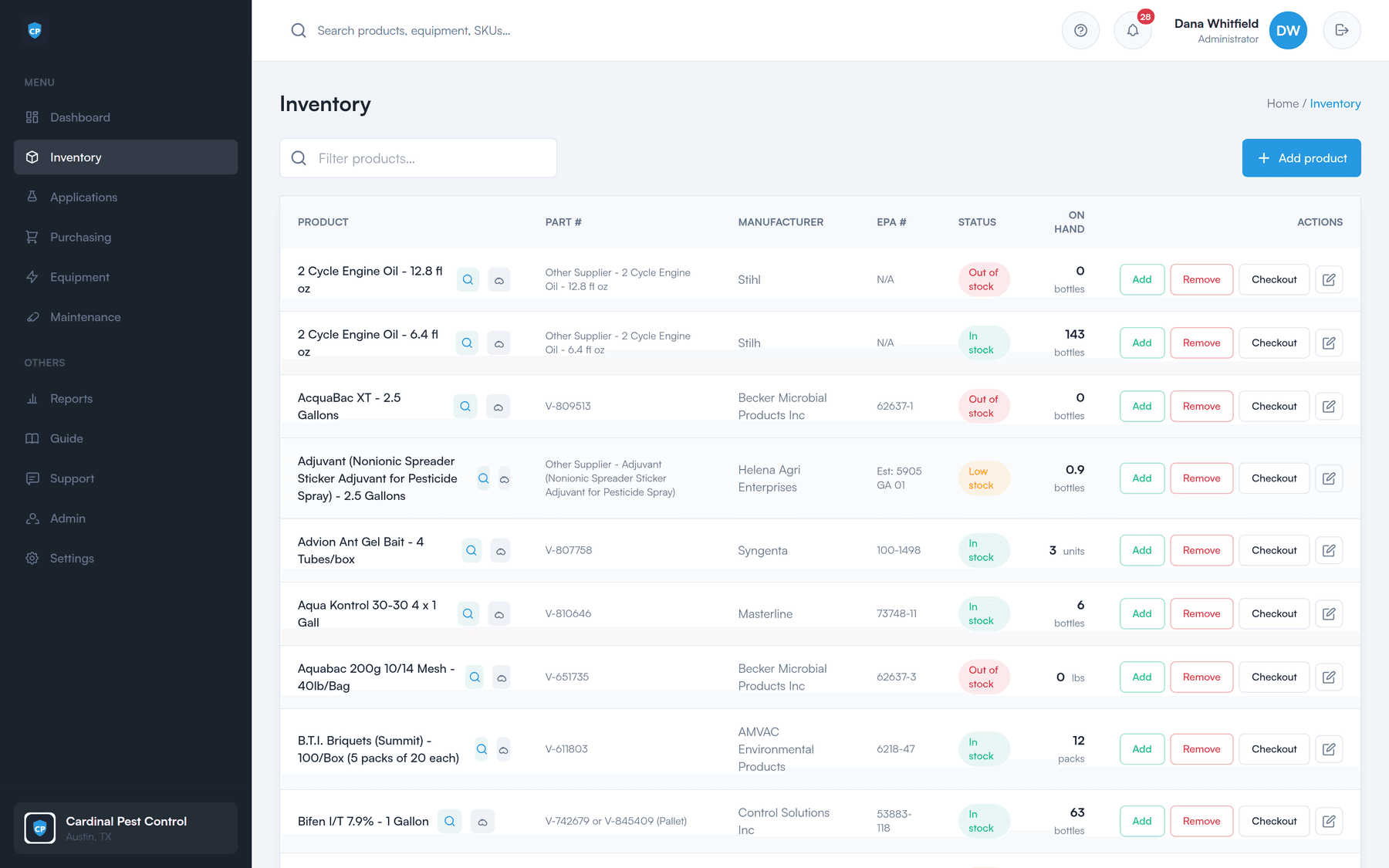
The inventory list showing products with live stock levels.
Purchasing

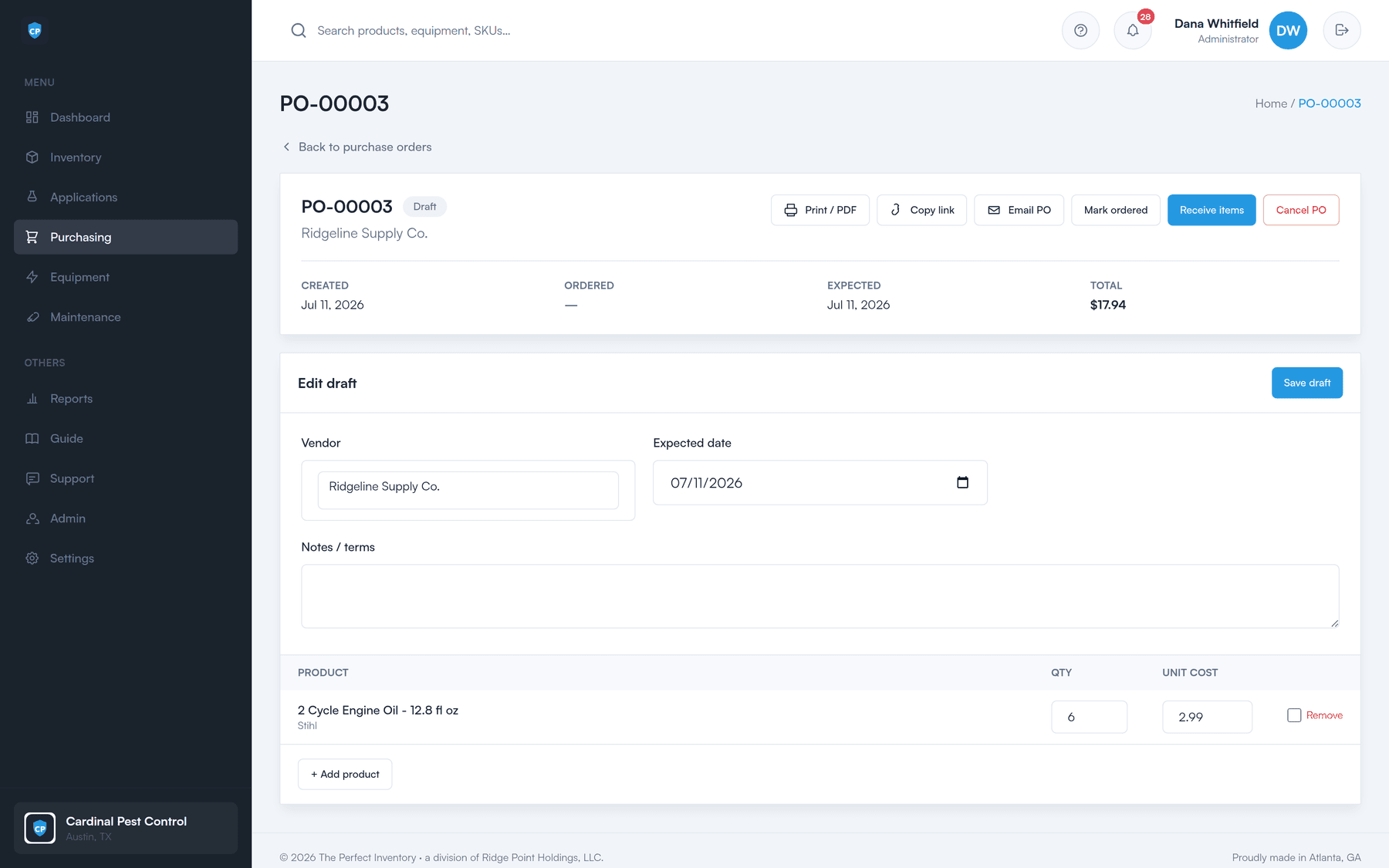
Purchasing & purchase orders

A complete PO system — the reorder worklist tells you what to buy, accounting for what is already on order.

  • Automatic “needs ordering” worklist
  • Statuses: draft, ordered, partial, received, cancelled
  • Your own sequential PO numbering
  • Vendor directory, auto-filled onto POs
  • Email a branded PO with a secure PDF link
  • Partial receiving — take some now, the rest later
Read more
A purchase order with vendor, expected date, line items, and print, email, mark-ordered and receive actions.
Compliance

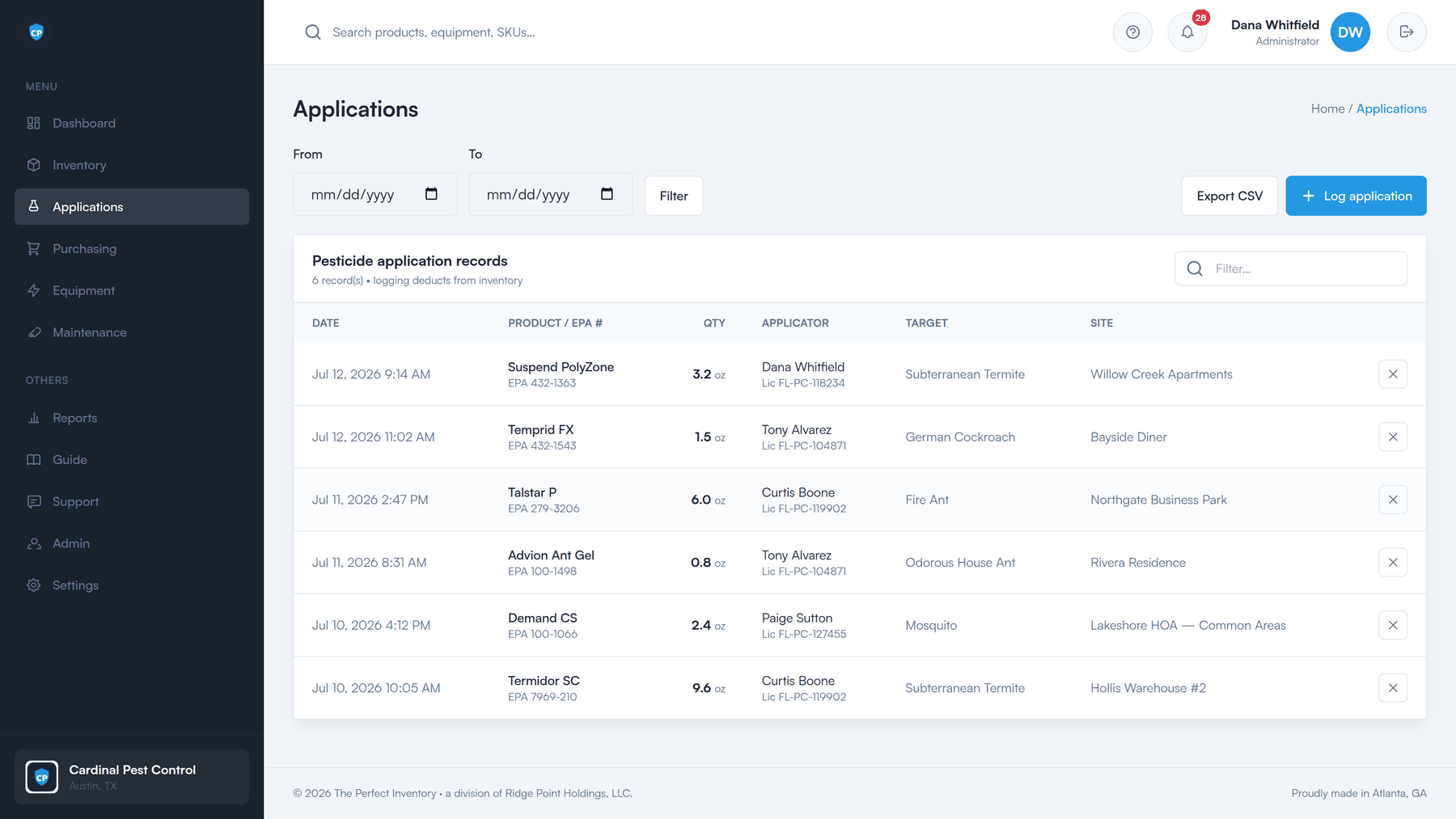
Pesticide application logging

The pest-control wedge. A defensible, time-stamped record — and it keeps your stock accurate for free.

  • Log product, applicator, amount, target pest, and site
  • EPA registration number on the record
  • Auto-deducts from inventory — no double entry
  • Applicator license number, category, and expiry
  • Expiry alerts before a license lapses
  • One-click compliance CSV export
Read more
Pesticide application records with date, product and EPA number, quantity, applicator and license, target pest, and site.
Equipment

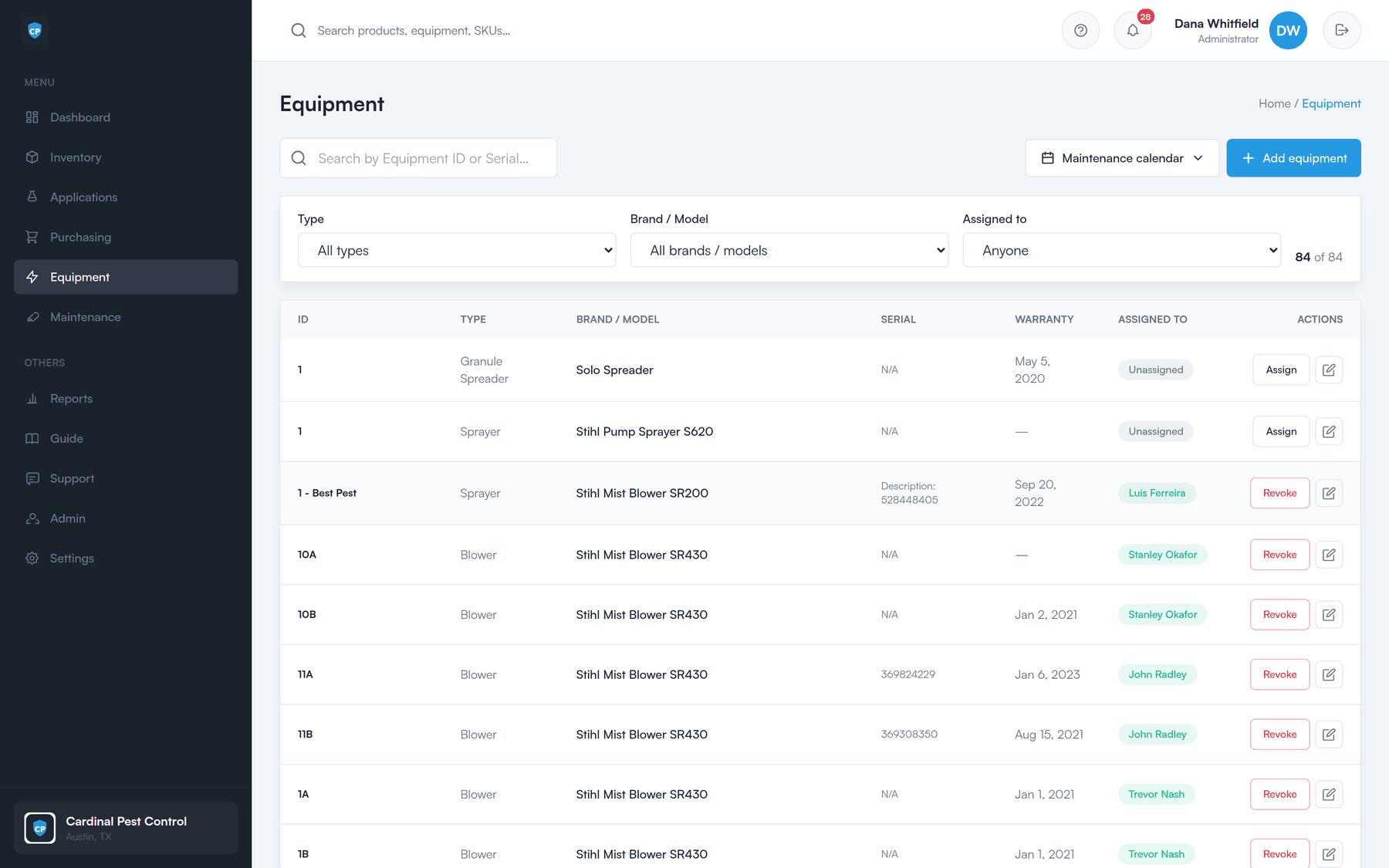
Equipment & maintenance

One source of truth for company assets, and a schedule so nothing falls through the cracks.

  • Type, brand, model, serial, warranty, and cost
  • Assign and return equipment to technicians
  • Recurring maintenance schedules per equipment type
  • Due items surface as alerts
  • In-app maintenance calendar
  • Subscribe from Google, Apple, or Outlook (ICS feed)
Read more
The equipment list showing tracked assets.
Reports

Reports & alerts

Understand consumption, spot trends, and act before problems happen.

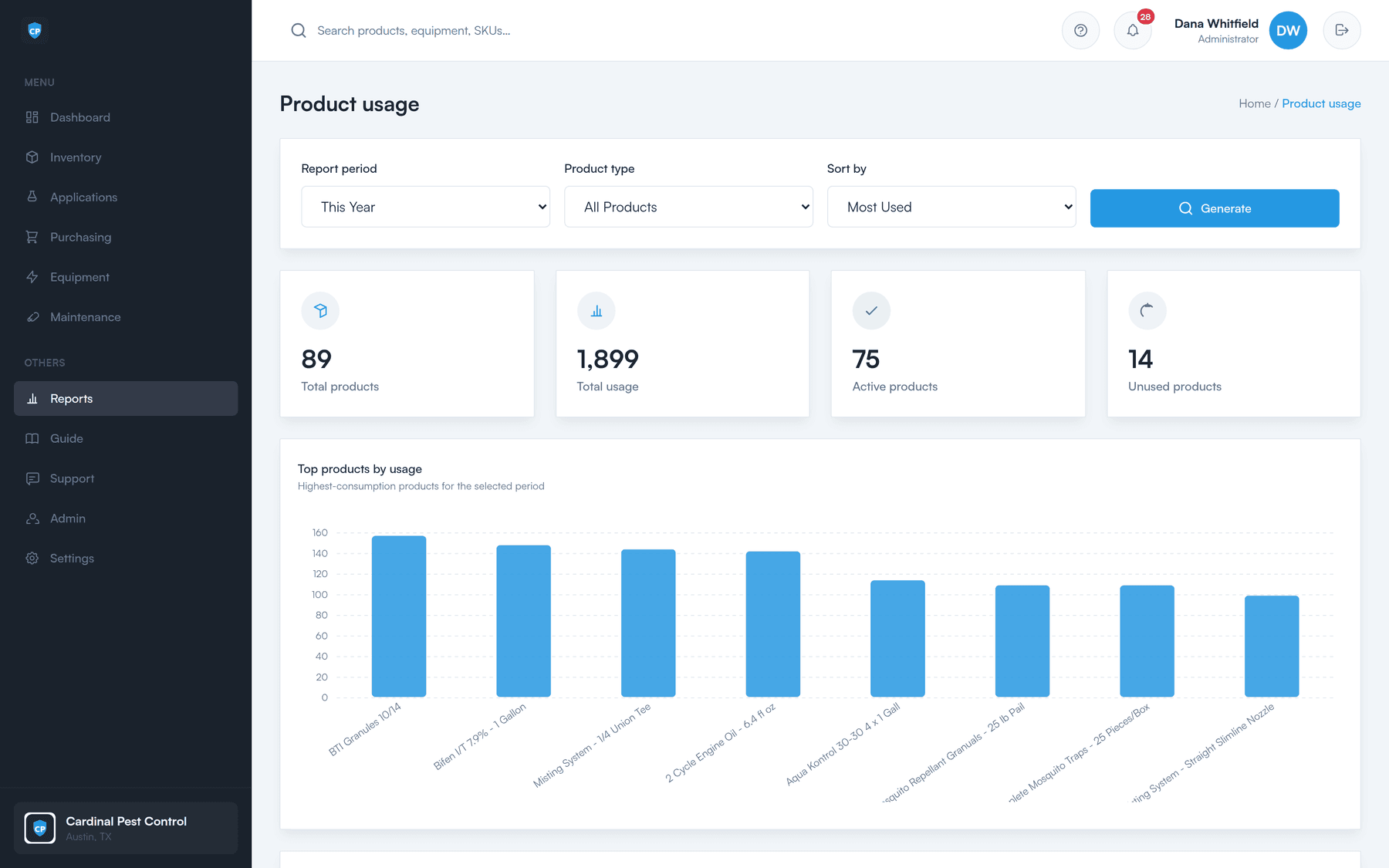
  • Product usage and maintenance reports
  • Date filters, with CSV export
  • At-a-glance dashboard of stock health
  • Alert bell for low stock, due maintenance, and expiring licenses
Read more
The product usage report with date filters and CSV export.
Field portal

The screen your techs actually use

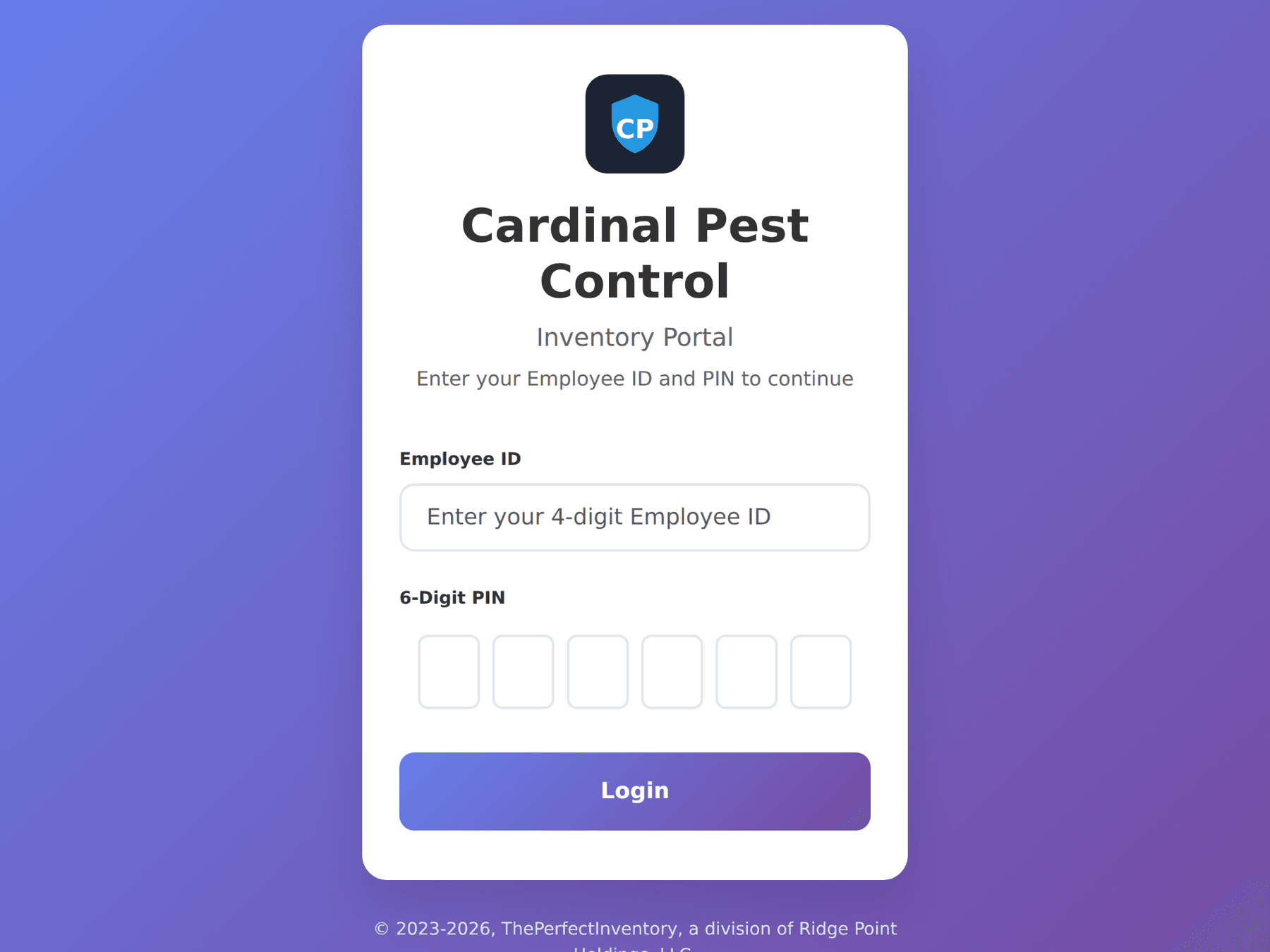
A touch-friendly tablet screen for the warehouse and the truck. Technicians check inventory in and out with an employee ID and a PIN — no full login, no password to forget, and every movement still lands against their name.

  • Employee ID + PIN — no account required
  • Built for a tablet, glove-friendly, minimal typing
  • Checkouts attributed to a named technician
Read more
The field portal login on a tablet: company logo, Employee ID field, and six-digit PIN entry.
Platform

Built for teams, and for trust

This is a system of record, so the boring parts matter.

Multi-location

Each branch its own workspace; switch in one click.

Roles

Admin-only pages, enforced on the server.

Magic-link sign-in

Passwordless login by email or SMS, optional.

Your own email sender

Use our service, or your own Amazon SES or SendGrid.

Your branding

Your logo on the app, the login page, and every PO.

Tenant data isolation

Separated data, records protected against URL tampering.

Audit logging

Stock, POs, receiving, logins, and emails — who and when.

Session timeout

Inactive sessions sign out automatically.

Built-in user guide

Searchable step-by-step help behind the “?” in the app.

More on security and administration

See it on your own stock list

A 30-minute walkthrough of the dashboard, the reorder worklist, a purchase order, and the field portal — using your products, not a canned demo.