A touch-friendly tablet screen where technicians check inventory in and out with an employee ID and a PIN. No account to create, no password to reset, no training session. Every checkout still lands in your stock history with a name on it.
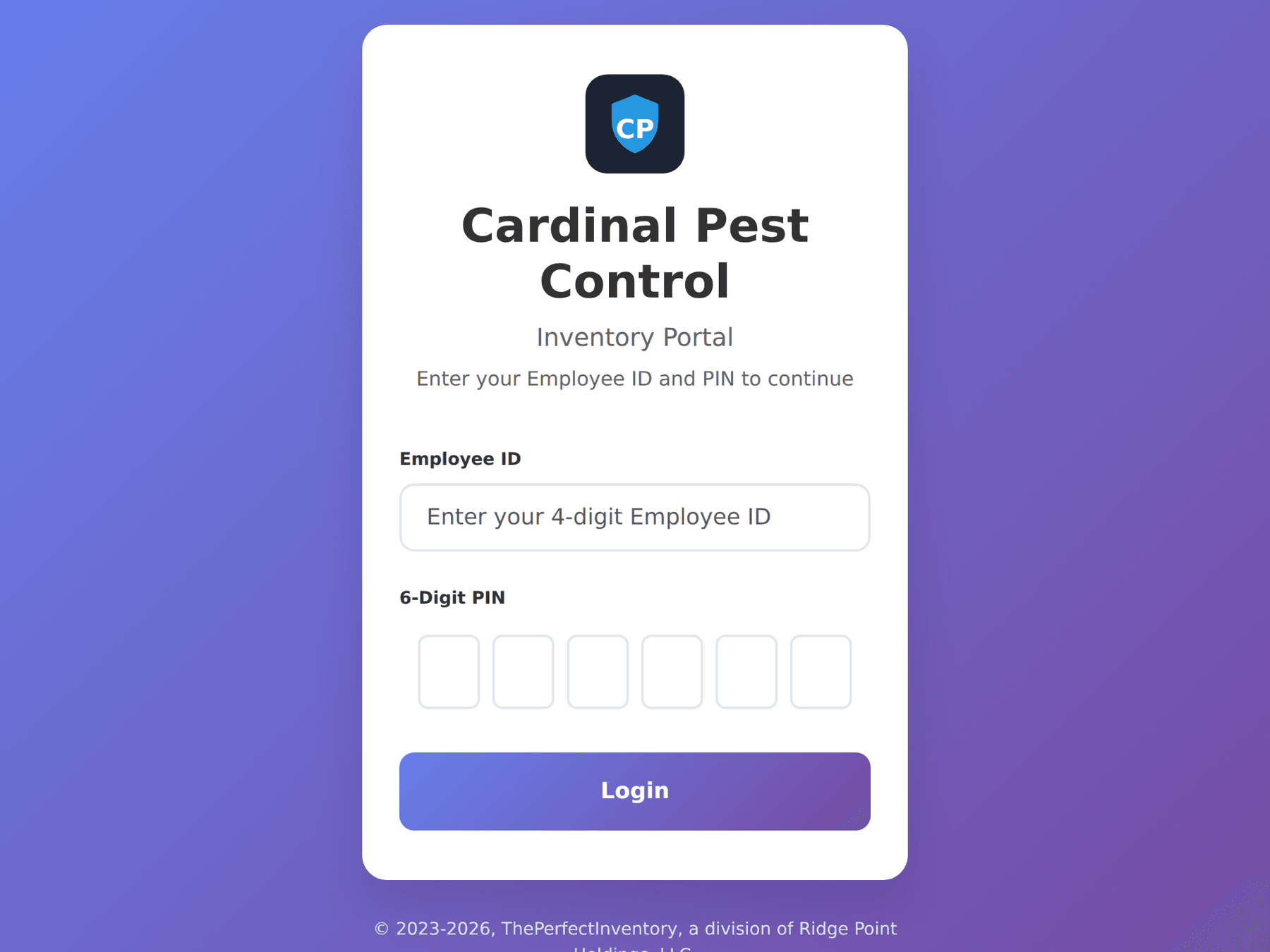
The whole sign-in: an employee ID and a six-digit PIN, on your branded portal.
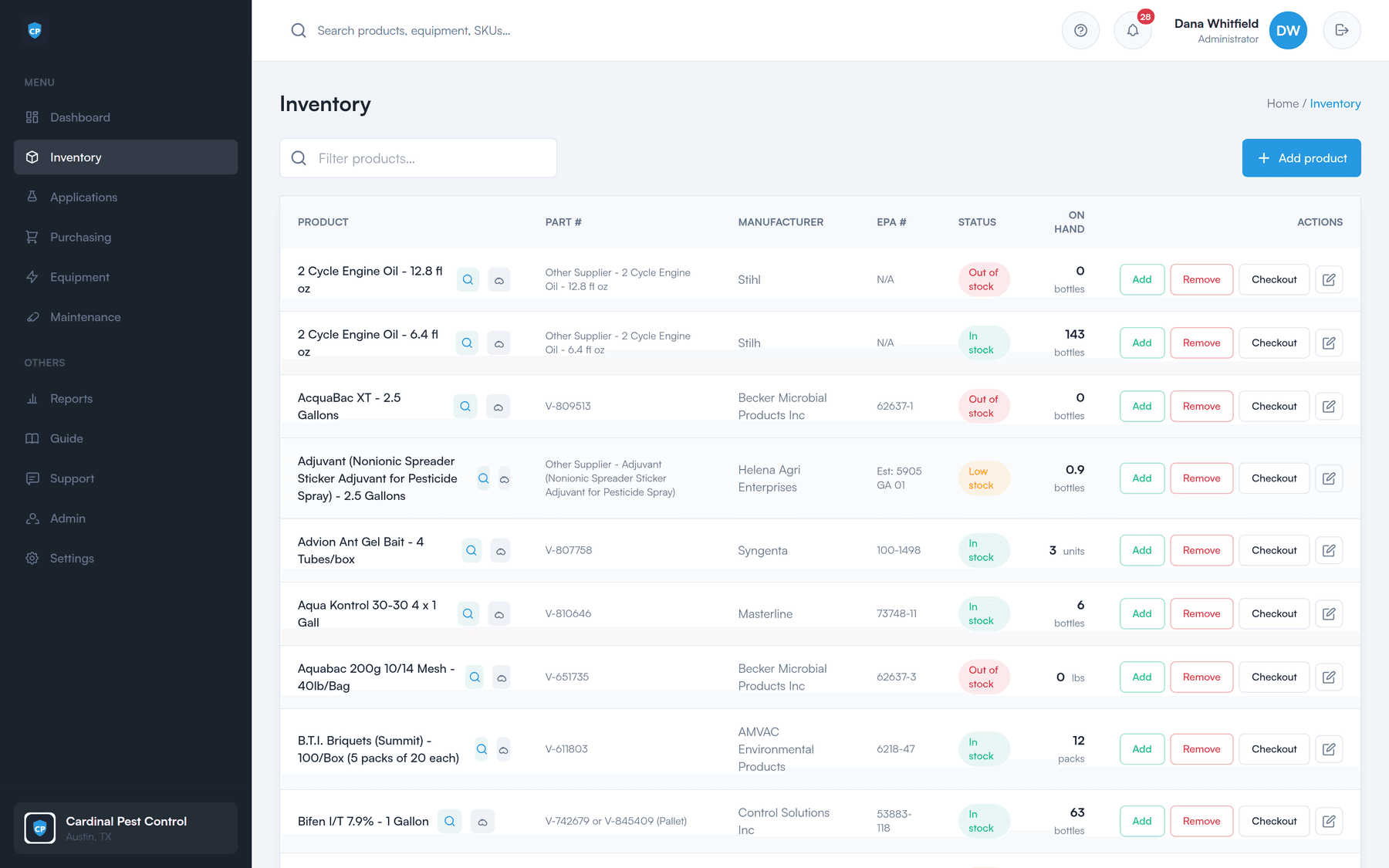
Leave a tablet on the warehouse wall or in the cab. A technician walks up, identifies themselves, and takes what they need.
No email address, no username, no company account. The ID an administrator already assigned is all a tech carries.
Big number pad, made for a thumb. That is the entire sign-in — there is no full login behind it.
Pick the product, set the quantity, done. On-hand counts update immediately and the movement is written to history.
The office app is a system of record. The portal is the opposite — one job, done fast, in a loading bay.
A touch-first layout sized for an iPad — big targets, no tiny desktop controls to miss.
Large buttons and a large keypad, so a tech does not have to take a glove off to hit the right one.
An ID, a PIN, and a quantity. Nothing else has to be typed to move product off the shelf.
Checking product out should take seconds. If it takes longer than the paper log it replaces, nobody uses it.
The reason most companies never find out where product went is that the person who took it never had a way to say so. The employee ID is that way. It costs a technician two taps, and it turns every checkout into an attributable record.
Every checkout has a name on it
Product leaves the shelf against a named technician — you know exactly who took what, and how much.
Stock stays accurate in real time
A check-out drops the on-hand count the moment it happens, so the office is not working from yesterday.
It lands in the same history as everything else
Portal movements sit in the full stock-in / stock-out history alongside receiving and adjustments.
Techs never need an account
Administrators manage people and set up the field portal. Technicians just need their ID and PIN.
One tablet, a whole crew
A single tablet on the warehouse wall serves every technician who walks past it.
Nothing to install
The portal runs in the browser on the tablet you already own.
The office app still works anywhere
The full app is responsive, so an administrator can check stock or approve a PO from a phone.
A 30-minute walkthrough of the dashboard, the reorder worklist, a purchase order, and the field portal — using your products, not a canned demo.