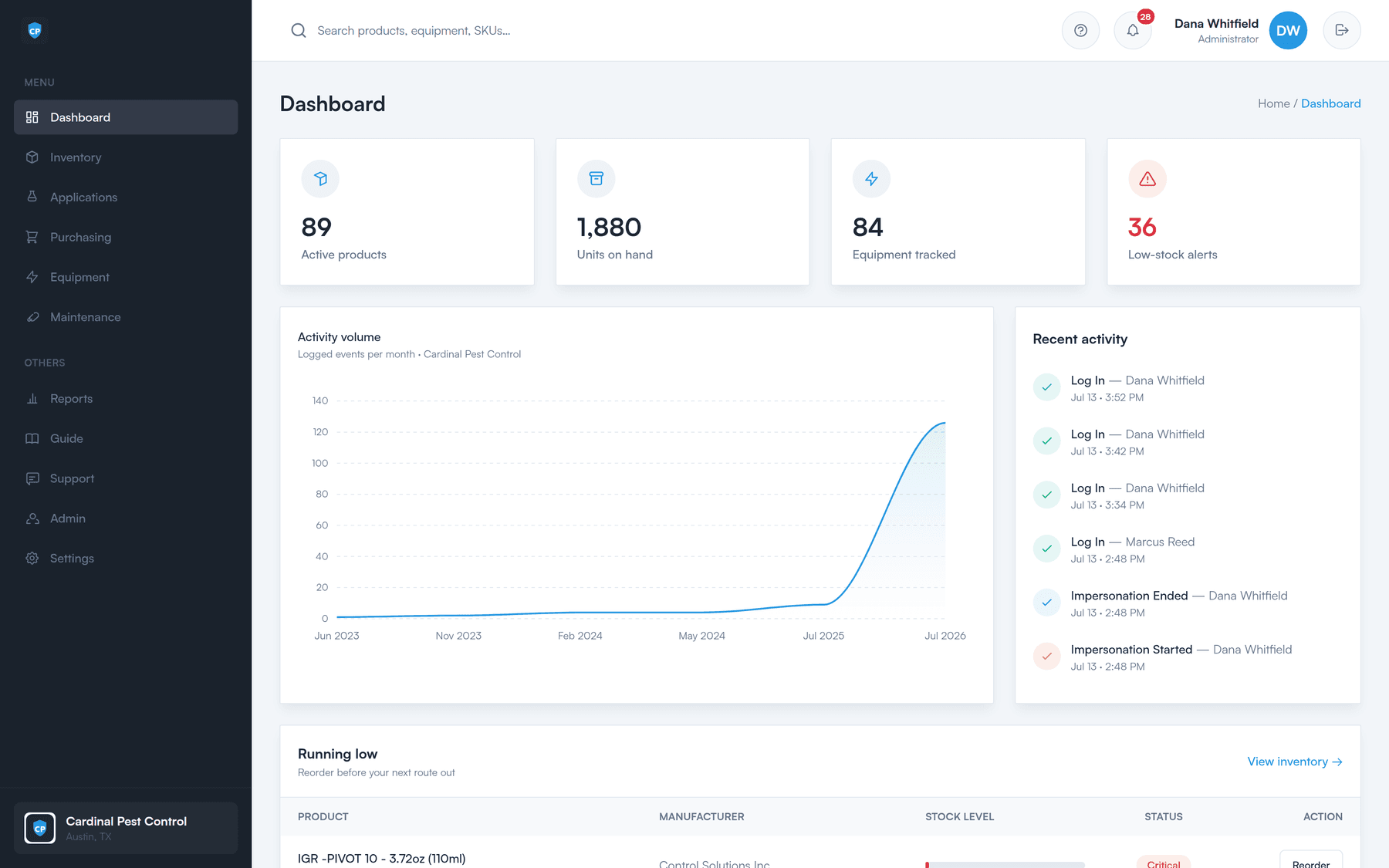
Live on-hand counts for every product, at every location. Every movement on and off the shelf is logged and attributable, and you hear that something is running low while there is still time to do something about it.
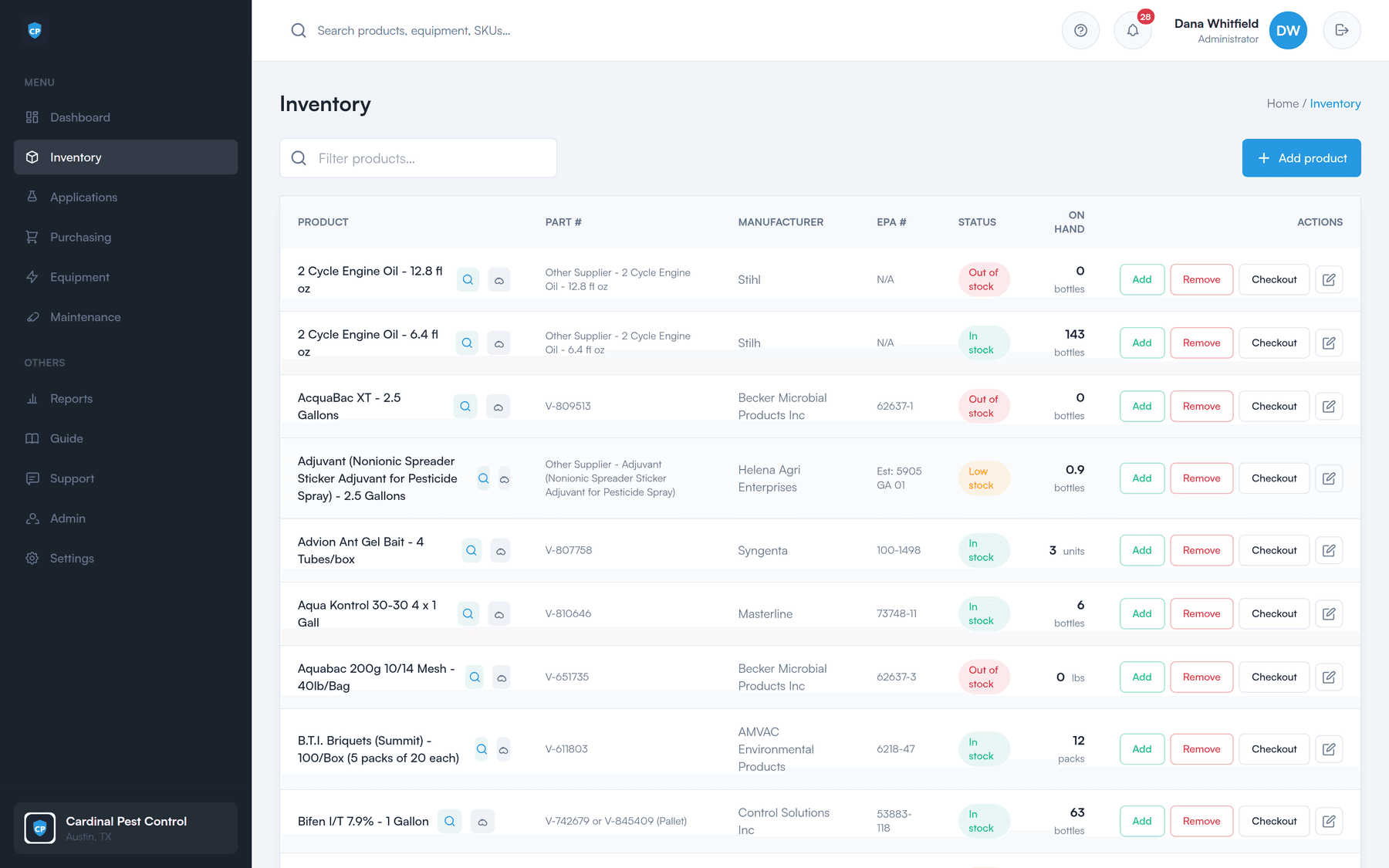
The shelf, the truck, and the office all read the same number — and every change to that number has a name and a time attached to it.
Track every product you carry with a current on-hand quantity. Companies running more than one branch keep a count per location, so you always know what you have and where it is.
Every movement is recorded — what moved, how much, when, and who did it. No more mystery shrinkage at the end of the month.
Product leaves the shelf attached to a named tech, not to nobody. You know exactly who took what, and how much.
Set a low-stock level on each product. When the count drops below it, that product surfaces on the dashboard and in the alert bell — while there is still time to order it.
A warning level per product
What counts as low is different for a jug of concentrate than it is for a case of bait stations. Set the number that fits each one.
A low-stock tile on the dashboard
Products under their warning level are counted right next to active products, units on hand, and equipment tracked.
A running-low list
The dashboard spells out what to reorder before your next route out, in plain language.
An alert bell that counts
Low stock shows up alongside due maintenance and expiring licenses, so nothing quietly slips.
Print a QR label for a shelf or a bin. Scan it and the item's public info page comes up in seconds — no hunting through a list, no asking the office. Counts and lookups stop being a chore.
Put the label where the product actually lives, so whoever is standing in front of it can identify it without help.
A phone camera opens the item’s info page. Nothing to install, nothing to sign into.
Walk the racks, scan, and confirm — instead of matching someone’s handwriting to a spreadsheet row.
Stock control is only worth something if the number on the screen matches the shelf. That is the whole job here.
Know what you have on hand, at each location, right now.
Know who took product off the shelf, and how much of it.
Hear about a low product while you can still order it.
Find an item by scanning a label instead of asking around.
Once a product is low it lands on the “needs ordering” worklist. From there you build a numbered PO, email it to the vendor, and receive it — in full or in part, with inventory updating as items arrive.
See the PO workflowLogging a field application deducts the product from inventory automatically, so your on-hand counts stay accurate with zero double entry.
How application logging worksA 30-minute walkthrough of the dashboard, the reorder worklist, a purchase order, and the field portal — using your products, not a canned demo.